Freelancers
Manage clients, projects, tasks, invoices, and expenses without juggling multiple tools.

A complete business management system built in Notion to help freelancers, consultants, creators, and small businesses manage their business from one connected workspace.
Get MicroSuite →
Seven connected Notion databases designed to bring your day-to-day business operations together.
Track prospects from first contact through conversion.
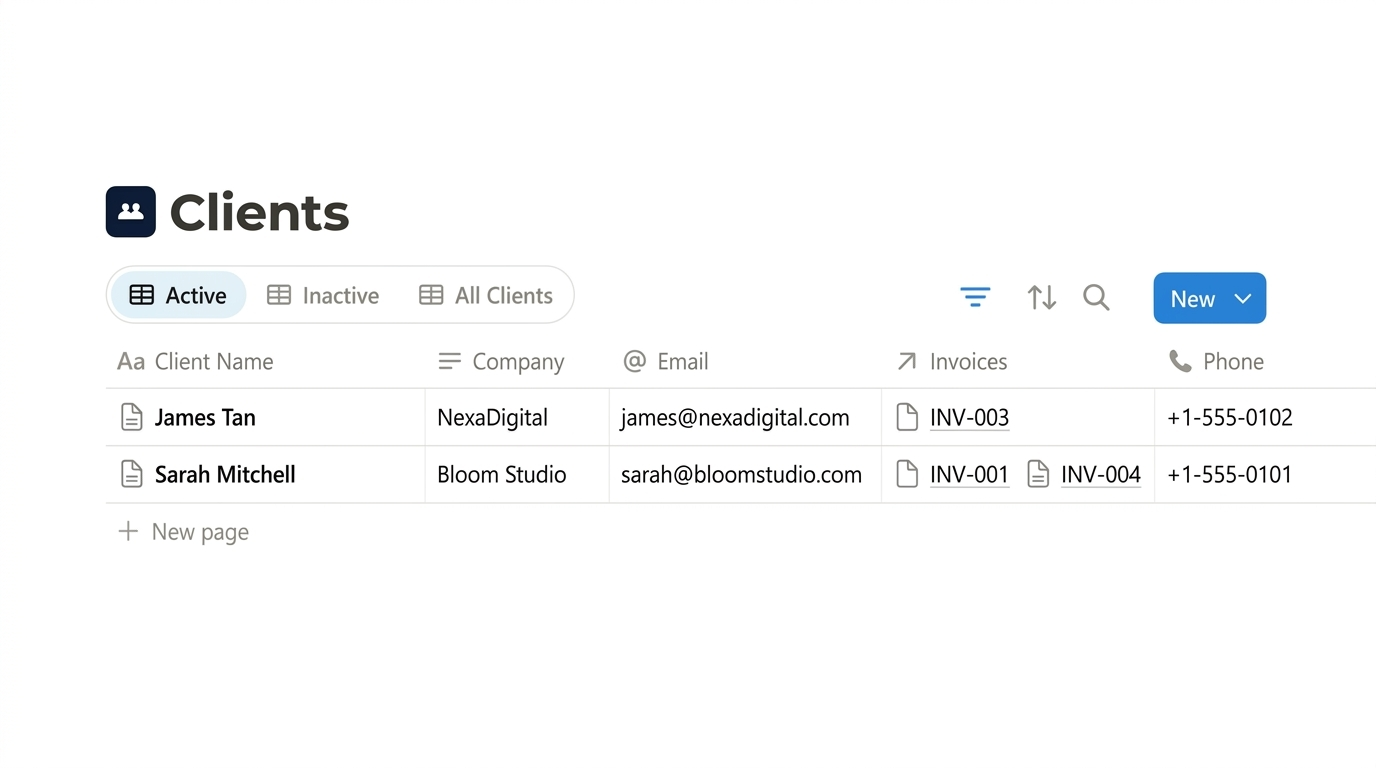
Keep client information and relationships organized.
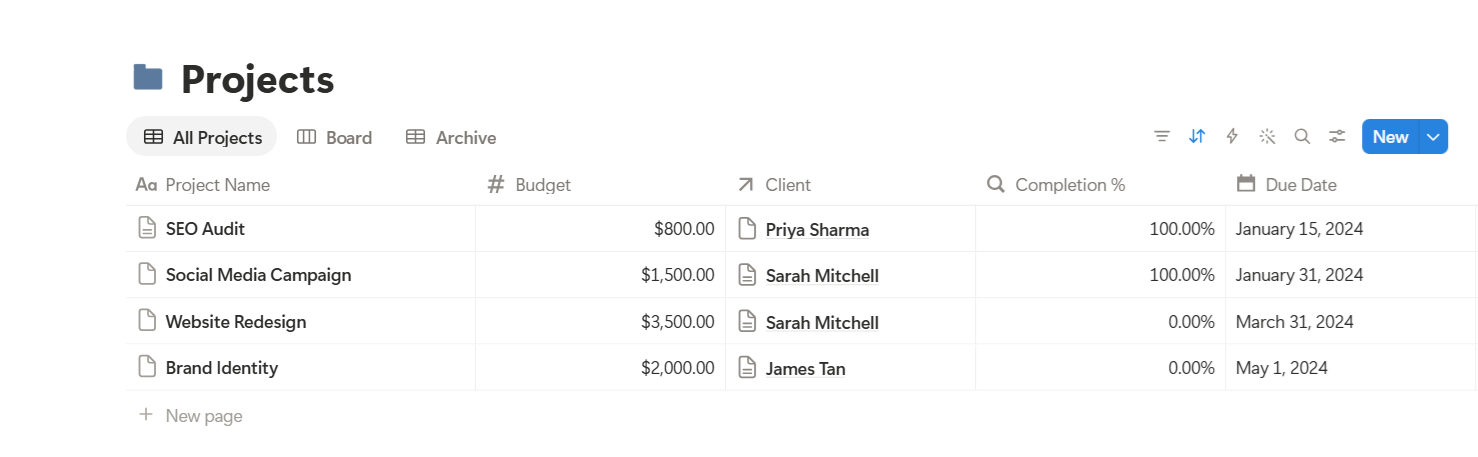
Manage projects and keep progress connected.
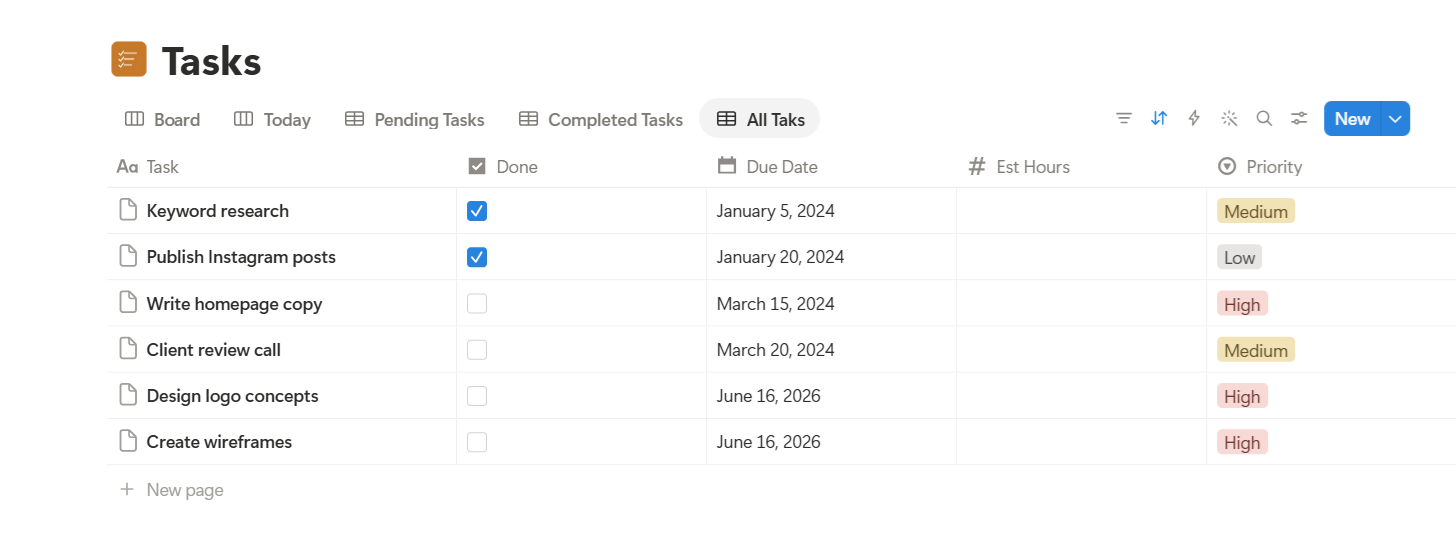
Keep daily work organized and actionable.
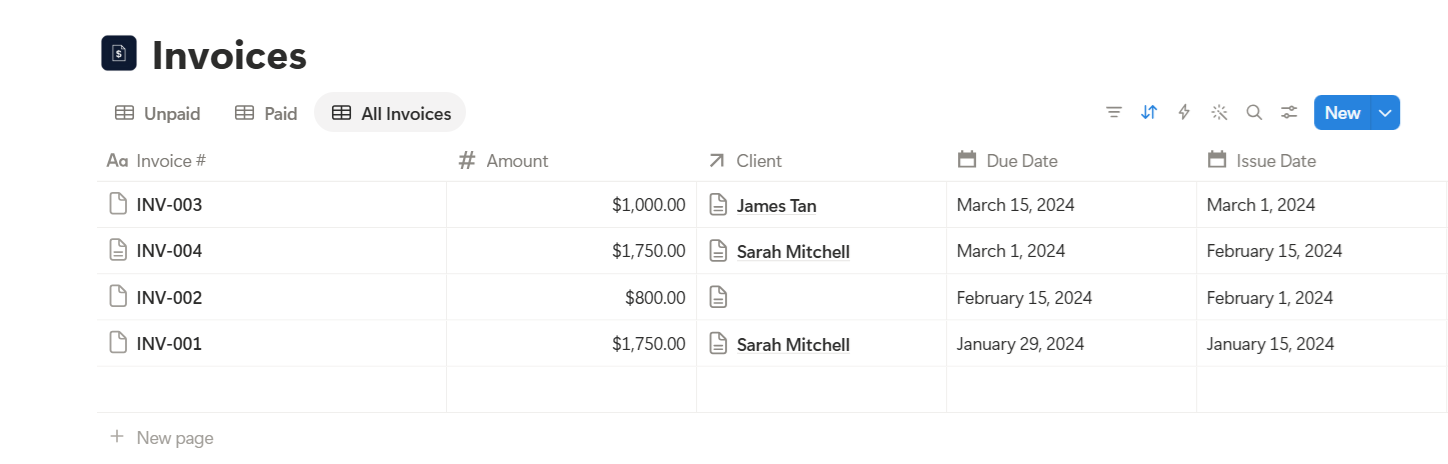
Track invoices and payment status.
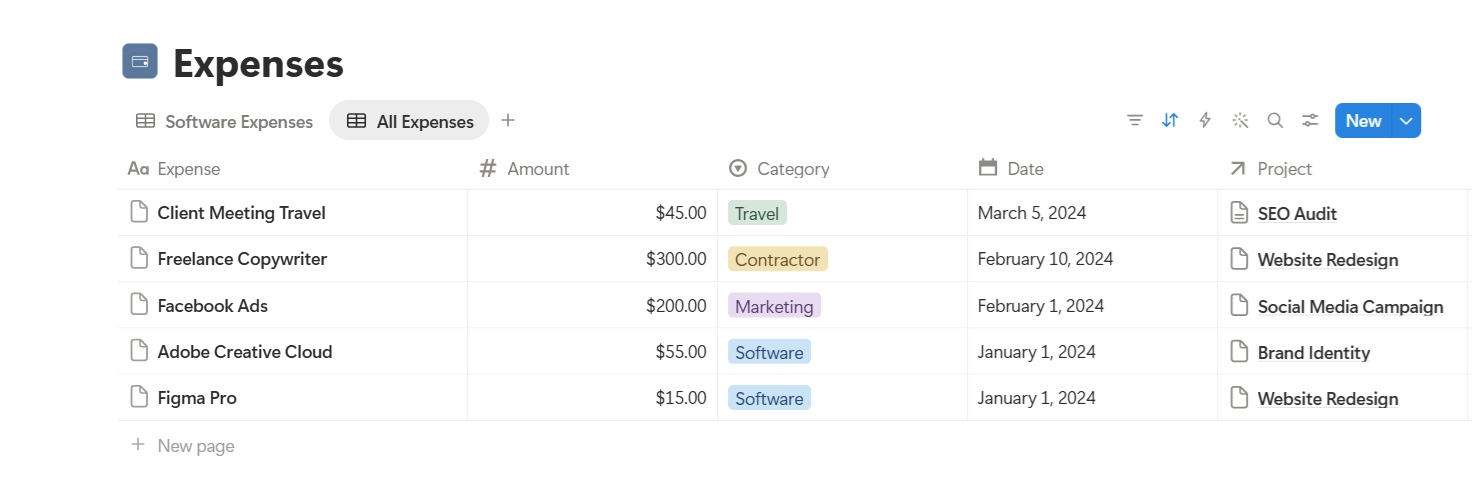
Record and monitor business expenses.
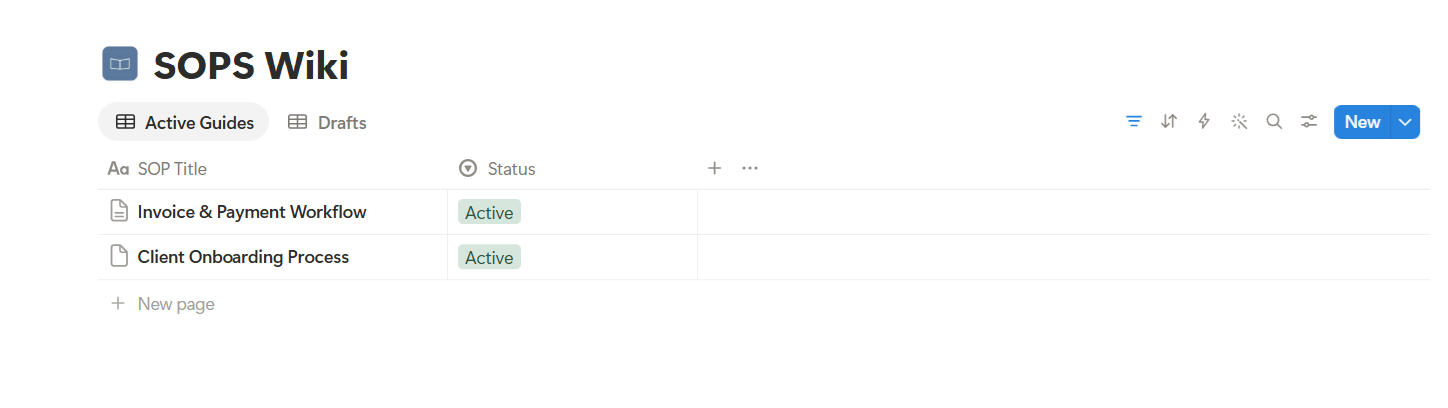
Store repeatable processes and workflows.
Manage clients, projects, tasks, invoices, and expenses without juggling multiple tools.
Keep client work and business operations organized in one workspace.
Stay on top of clients, projects, income, expenses, and processes.
Bring everyday business operations into one simple, connected system.
Purchase and duplicate the template into your Notion workspace.
Follow the included onboarding guide to customize for your business.
Add your leads, clients, projects, and tasks into the connected databases.
Use the system daily to track work, manage invoices, and grow with clarity.
Find answers to common questions about MicroSuite and getting started.
A business management system built in Notion for freelancers, consultants, creators, and small businesses. It connects seven databases — Leads, Clients, Projects, Tasks, Invoices, Expenses, and SOPs — into one workspace.
Yes. MicroSuite is designed to run inside your Notion workspace. You can use MicroSuite with a free Notion account, subject to Notion's current plan limitations.
Yes. You can adapt the workspace to fit the way you work. Add properties, change views, and modify databases to match your workflow.
Detailed onboarding and tutorials are included inside the MicroSuite workspace. You'll find a Start Here page with step-by-step instructions.
All sales are final once access to the product has been provided. We do make exceptions for genuine technical issues — such as the template failing to duplicate, a missing core database, or a broken delivery link — reported within 7 days to support@microsuite.online. We'll first work to resolve the issue; a refund is only considered if we're unable to fix it. Not covered: change of mind, Notion unfamiliarity, wrong product purchased, or issues from your Notion workspace configuration or plan restrictions.
No. MicroSuite is an independent template built using Notion. It is not affiliated with, endorsed by, or sponsored by Notion Labs, Inc. Using MicroSuite requires an active Notion account. A free Notion account is sufficient for most use cases, subject to Notion's current plan limitations. A Notion account is separate from and is not included with your MicroSuite purchase.
Reach out to our support team at support@microsuite.online and we'll get back to you as soon as we can.
One workspace. Seven connected databases. Less business clutter.
Get MicroSuite →